
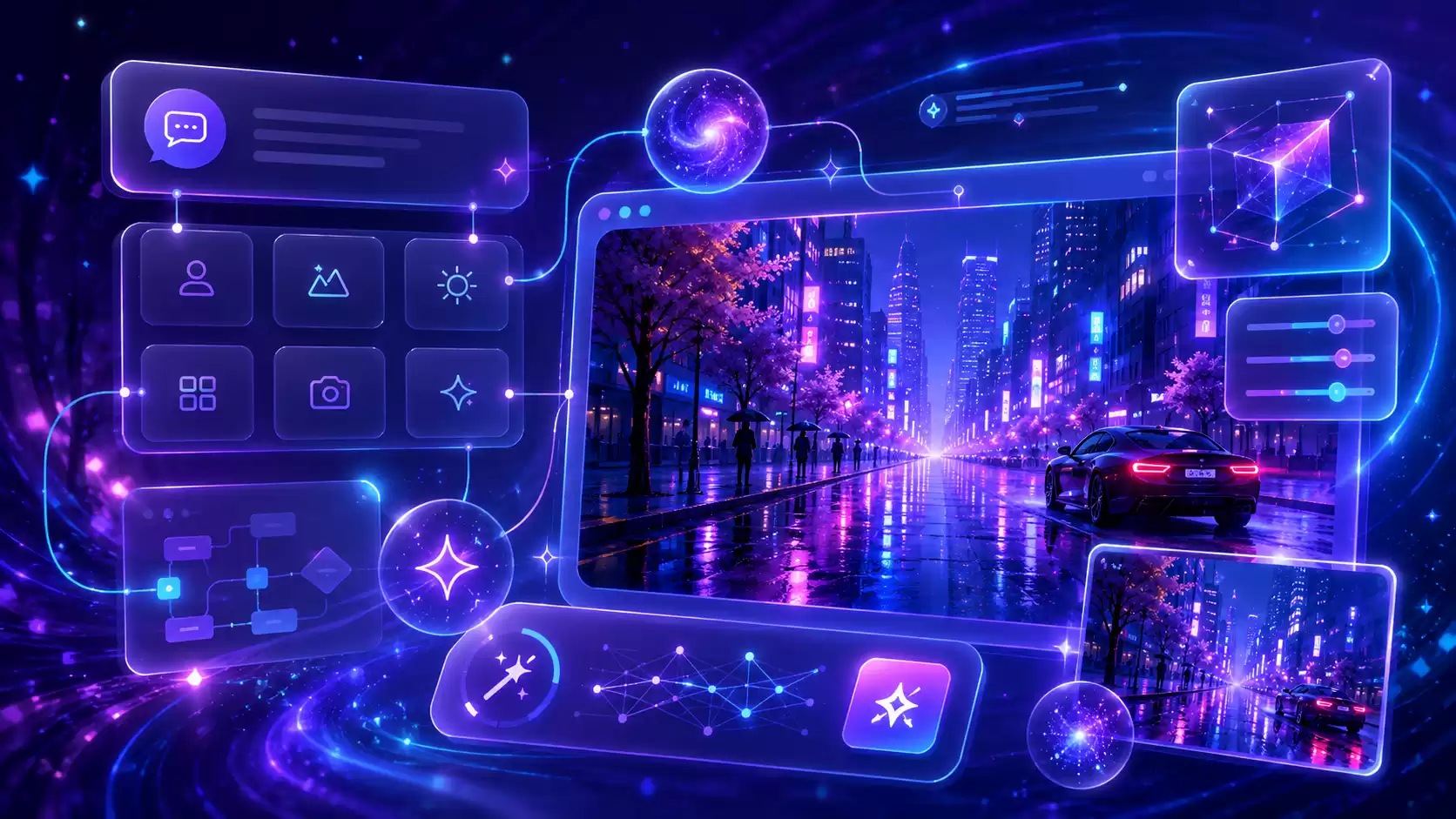
When using AI to generate images, the real challenge is often not a lack of creativity, but not knowing how to accurately convey the image in your mind.
You may have already thought through the characters, setting, lighting, and atmosphere, but the prompt you wrote is still somewhat disjointed; or perhaps you copied a lot of style and quality descriptors, yet the final image didn’t turn out as expected.
Livetops AI Image Prompt Assistant is an online tool designed for AI image creators. You can simply describe your ideas using natural language, and it will help you organize the subject, setting, style, composition, perspective, shot, lighting, color, texture, and key details, generating clear, natural, and ready-to-use image prompts.
How can it help you?
Generate image prompts based on ideas
You don't need to learn complex prompt syntax in advance—just describe the scene you want to see.
For example:
A girl wearing a red raincoat stands on the street on a rainy night, surrounded by neon lights, creating a cinematic feel.
The assistant will organize this information into a more structured prompt, reducing repetition, conflicts, and irrelevant descriptions.
Optimize Existing Prompts
If the results generated from an existing prompt are not satisfactory, you can simply paste it into the assistant and specify the changes you’d like to make, for example:
- Make the subject stand out more
- Simplify the Background
- Enhance the cinematic feel
- Adjust the lighting
- Change the focal length
- Reduce the Number of Unnecessary Characters
- Retain the original style; only optimize the composition
The assistant will do its best to preserve the original creative concept and will only modify the parts relevant to the objective.
Translate and Explain the Prompt
If you don't understand the English prompt, or if you want to convert the Chinese description into a more natural English expression, you can simply let the assistant handle it.
In addition to translation, it can also explain the descriptions of style, camera angles, composition, textures, and lighting in the prompt, helping you understand how each element might affect the generated results.
Adapting to Different Image Models
You can specify the platform or model you want to use, for example:
- Flux
- SDXL
- Stable Diffusion
- Midjourney
- General-Purpose Image Generation Model
The assistant will adjust the language, structure, and level of detail of the prompts based on the conventions of each platform.
Enhance Answers Using the Knowledge Base
When "Knowledge Base Enhancement" is enabled, the assistant can draw on the prompt data maintained by the site administrator to supplement the current creative needs with more relevant visual guidelines and professional information.
The knowledge base is intended solely as a reference for content creation. The assistant will prioritize content relevant to the current request and will not simply include irrelevant information in the results.
Here's how you can use it
Try entering:
Write a prompt for Flux that combines ancient Chinese landscape paintings with futuristic cities.
Or:
Optimize the prompt below to make the product the focal point and simplify the background.
You can also make more specific requests:
Without changing the characters' costumes, simply shoot from a low-angle close-up and add evening backlighting.
Convert this Midjourney prompt into a natural language format suitable for SDXL.
Analyze why this prompt often generates multiple subjects.
Online Experience
Enter a description of your idea below to start generating, optimizing, translating, or analyzing image prompts.
Usage Tips
The more specific your description, the closer the generated results will typically be to what you expect. You may want to provide the following additional information:
- Main Characters or Objects
- Environment
- Visual Style
- Light and Time
- Primary Colors
- Composition Techniques
- Focal Length and Field of View
- Content to Be Retained or Avoided
However, you don’t have to write the whole thing at once. You can start by jotting down a simple idea and then gradually refine it through conversation.
About This Tool
Livetops AI Image Prompt Assistant is an experimental service maintained by an individual.
Chat content is stored in your browser's local storage. This site does not permanently store chat histories as part of its internal records. If you clear your browser data, switch devices, or delete local chat history, the relevant content may not be recoverable. We recommend that you export important results promptly.
Since AI-generated content may be inaccurate, incomplete, or differ from the actual performance of the target model, please review and adjust it yourself before using it in production.
This service is hosted on a personal device. The assistant may be temporarily offline due to device maintenance, network issues, or if the service has not started.
Please do not use this tool to generate content that is illegal, infringes on others' rights, is fraudulent, harmful to others, or otherwise harmful.
